
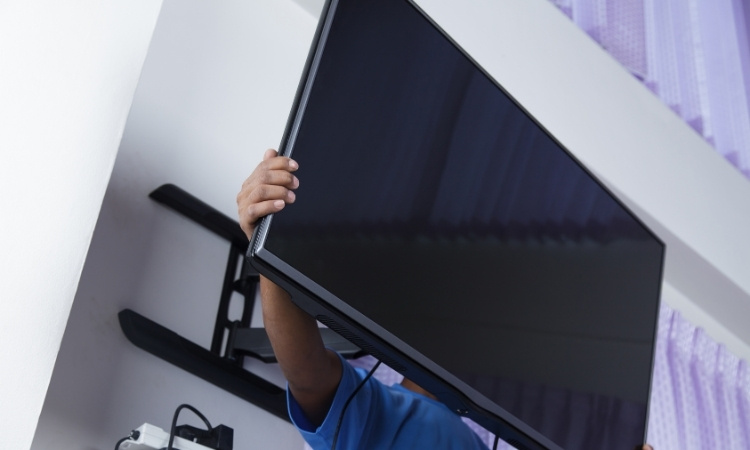
Wall mounted LED TV is a popular idea in Singapore. Your LED TV can make your home look modern and clean. It also saves space and gives you a better view. In Singapore, many homes have limited space, so wall mounting a TV is a smart idea. However, if you do not mount it properly, it can fall and get damaged. This guide will show you in simple steps how to wall mount your LED TV safely and easily.
How to Wall Mount LED TV in Singapore?
PS Home Maintenance Singapore devises a simple and step-by-step process to help you understand the process to install LED TV on wall. Moreover, they offer professional fridge repair, TV bracket installation, and power tripped services in Singapore.
1. Choose the Right Wall to Mount LED TV at Home
The first step is to choose the right wall. Find a strong wall that can hold the weight of your TV. A concrete wall is the best choice. If you have drywall, you must be extra careful while mounting the TV onto it. It will likely need special support. Avoid walls that are too thin and weak.
Also, check the spot for sunlight and glare. It is better to pick a place where the TV screen will not get too much direct light. This will make your watching experience better.
2. Pick the Right Wall Mount Bracket
There are different types of wall mounts: here are some of the most important for LED TV wall mounting.
- Fixed Mount: Keeps the TV flat against the wall. It is simple and neat.
- Tilting Mount: Lets you tilt the TV up or down. It is good if you are mounting it higher on the wall.
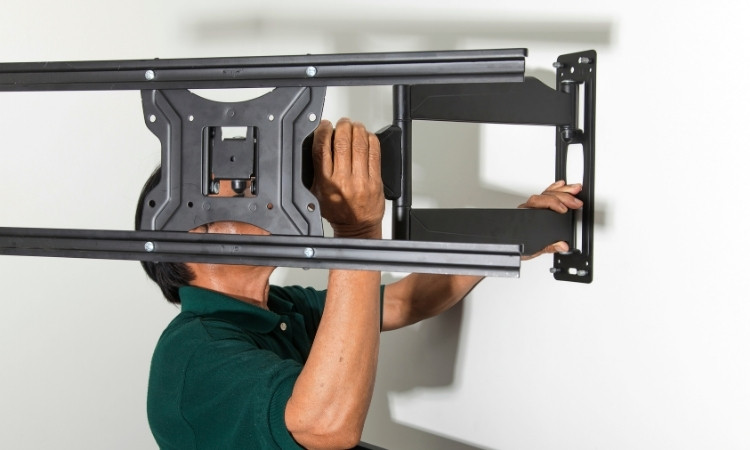
- Full-Motion Mount: This mounting technique lets you turn the TV in different directions. It is flexible but costs more.
3. Gather the Right Tools
Before you start, gather all the tools you need. You will need:
- A drill
- A screwdriver
- A measuring tape
- A pencil
- A level tool
- Screws and wall plugs (usually come with the mount)
4. Find the Right Height
The best height for a TV depends on where you sit. The middle of the TV screen should be at your eye level when you sit on your sofa. You can ensure this by using a measuring tape to find the correct height. Mark it lightly on the wall with a pencil. Take your time with this step. If you mount the TV too high or too low, it can be uncomfortable to watch.
5. Fix the Mount on the Wall
Use the level tool to ensure your markings are straight. Drill holes into the wall at the marked spots and insert wall plugs into the holes. Then, screw the wall bracket tightly to the wall to ensure a snug fit. Make sure the bracket is very firm. A loose bracket can be dangerous for the TV.
6. Attach the Mount Plate to Your TV
Most LED TVs have screw holes at the back. Attach the TV mounting plate to these holes using the screws provided. It is important not to over-tighten the screws as it may damage the TV. After doing this step, check that the plate is fixed firmly and is straight.
7. Hang the TV on the Wall
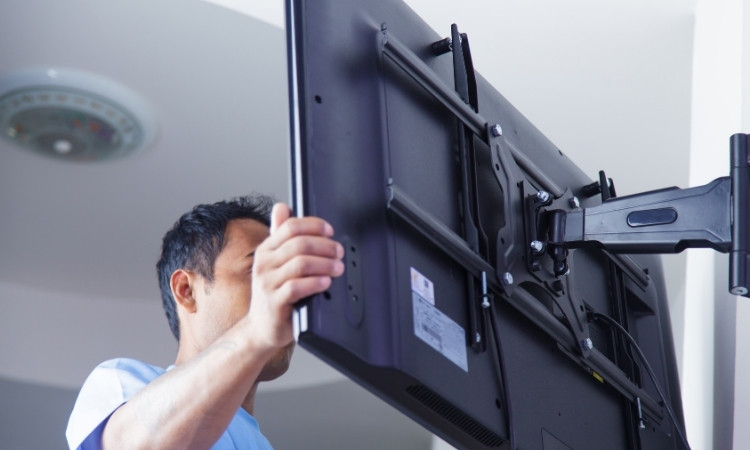
Now, lift the TV carefully and hang it on the wall bracket. You will need help because TVs can be heavy and hard to handle alone. It is essential to ensure the TV is locked into the bracket securely. Some mounts have a click sound when the TV locks in place. If you notice this sound, it means the TV is well-placed in the slot.
8. Manage the Cables
After mounting, you will see cables hanging down. Use cable covers to organize them neatly. This will make your setup look clean and tidy. If you want a cleaner look, you can also hide the cables inside the wall, but that will need professional help.
Conclusion
In conclusion, it is easy to wall mount LED TV in Singapore if you plan carefully and use the right tools. Getting a friend to help can also make the job easier. A properly mounted TV can make your home feel more stylish and give you a better viewing experience every day.
Frequently Asked Questions